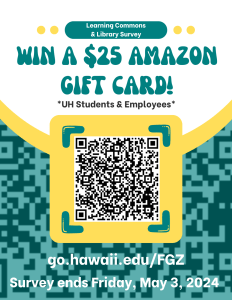
Win a $25 Amazon gift card by completing our annual library user survey! You can fill it out at go.hawaii.edu/FGZ. Survey ends Friday, May 3rd.
Gift card drawing is limited to UH students and employees. Winners will be contacted via email.
Leeward Community College

Win a $25 Amazon gift card by completing our annual library user survey! You can fill it out at go.hawaii.edu/FGZ. Survey ends Friday, May 3rd.
Gift card drawing is limited to UH students and employees. Winners will be contacted via email.
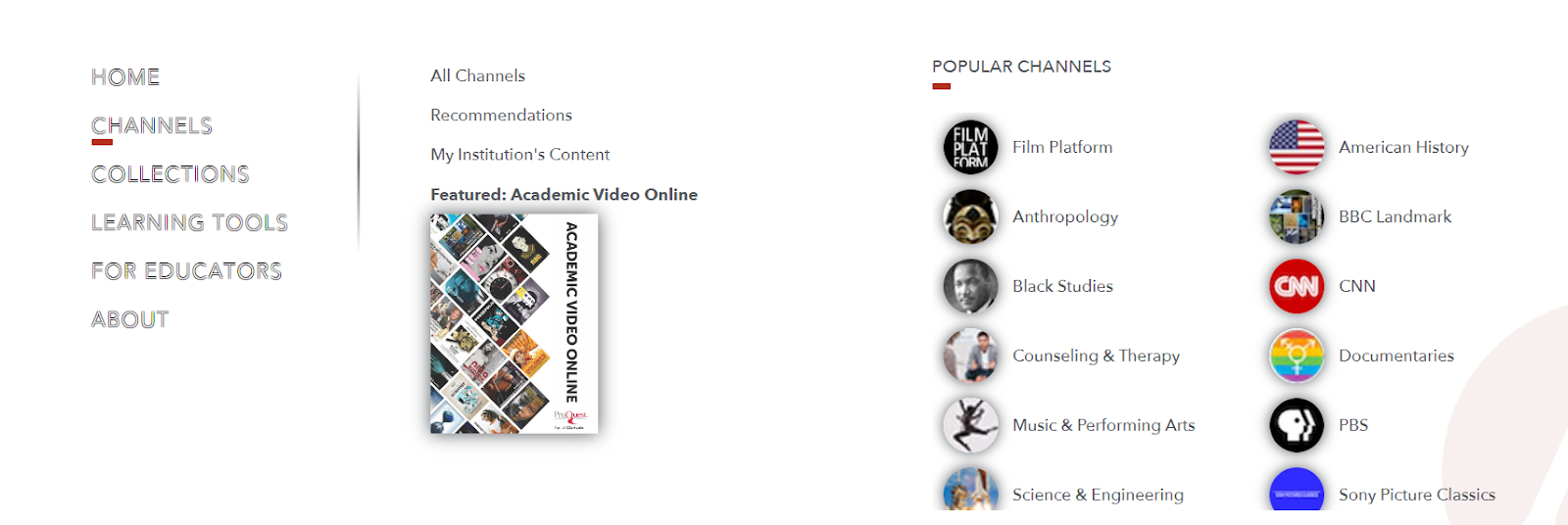
Looking for ways to engage your students? Our streaming platform, AVON, offers ways to leverage videos for collaboration, reflection, and assessment of student knowledge.
There are a plethora of films and documentaries available on AVON that are from around the world. This streaming video collection provides access to more than 79,000 videos covering a wide range of diverse topics you can share with your students.
AVON can be found on the Leeward Library homepage. Select the Research menu tab and click Full A-Z Databases List.
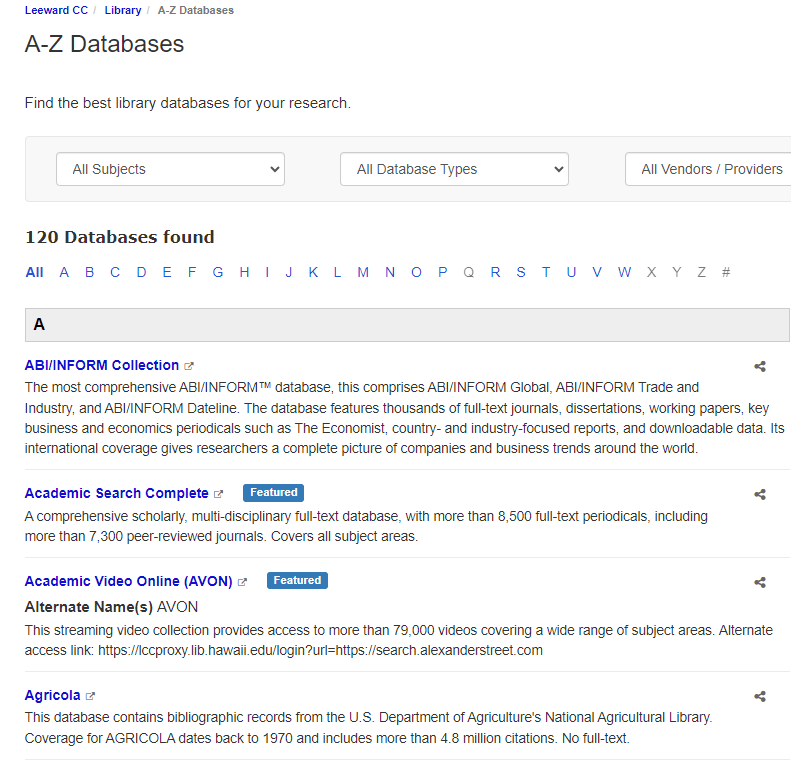
AVON is available to any Leeward faculty, staff, or currently enrolled student. Creating an account on AVON allows you to clip and bookmark a part of a video to show in class or highlight a portion of a film.
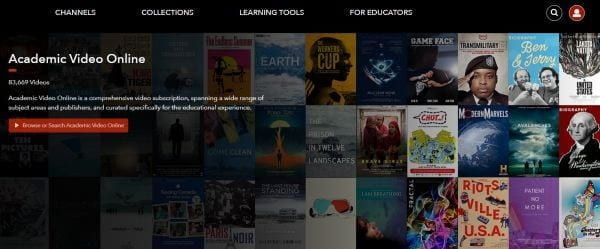
Once you've logged into AVON, you'll discover a vast array of videos spanning diverse subjects such as history, anthropology, Black studies, music and performing arts, science and engineering, and more. This variety is sure to pique your interest and enrich your teaching materials.
Use AVON in your classes to see what it can offer your students! If you need any assistance please contact our wonderful reference librarians.
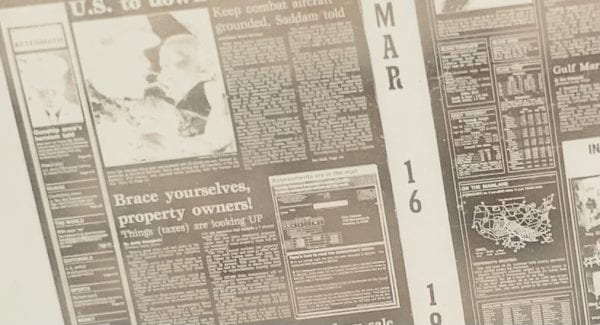
Microfilm is among the most durable storage media for physical records and it can withstand many environmental impacts better and longer than paper. If stored properly, microfilm has a shelf life of about 500 years.
Did you know Leeward CC Library has a microfilm collection of the Honolulu Star-Bulletin (January 1929 - September 2007)* and the Honolulu Advertiser (January 1929 - November 2005)**? Why do we have microfilm if everything is online? Well, in this case, not everything is online and microfilm is the readily accessible medium for accessing this information.
If you need to access our microfilm, please ask one of our reference librarians so they can show you how to locate articles by using the index. The library has a digital microfilm reader called the ScanPro 3000. We have a handy booklet to learn how to operate the machine. If you need assistance, please see the Circulation Desk staff for help. We hope you will find our microfilm collection useful in researching the history of Hawai'i in the 20th Century!
* Honolulu Star-Bulletin - Gap in coverage from April 1970 - December 1987
** The Honolulu Advertiser - Gap in coverage April 1970 - April 1975 and January 1981 - June 1986
Statista is a global data and business intelligence platform with an extensive collection of statistics, reports, and insights on over 80,000 topics from 22,500 sources in 170 industries.
Statista is a terrific source of information and statistics research, study, and personal interest.
To locate Statista, go to the Research menu tab on the library’s homepage then click the Full A-Z Databases List option to view a list of databases in alphabetical order.
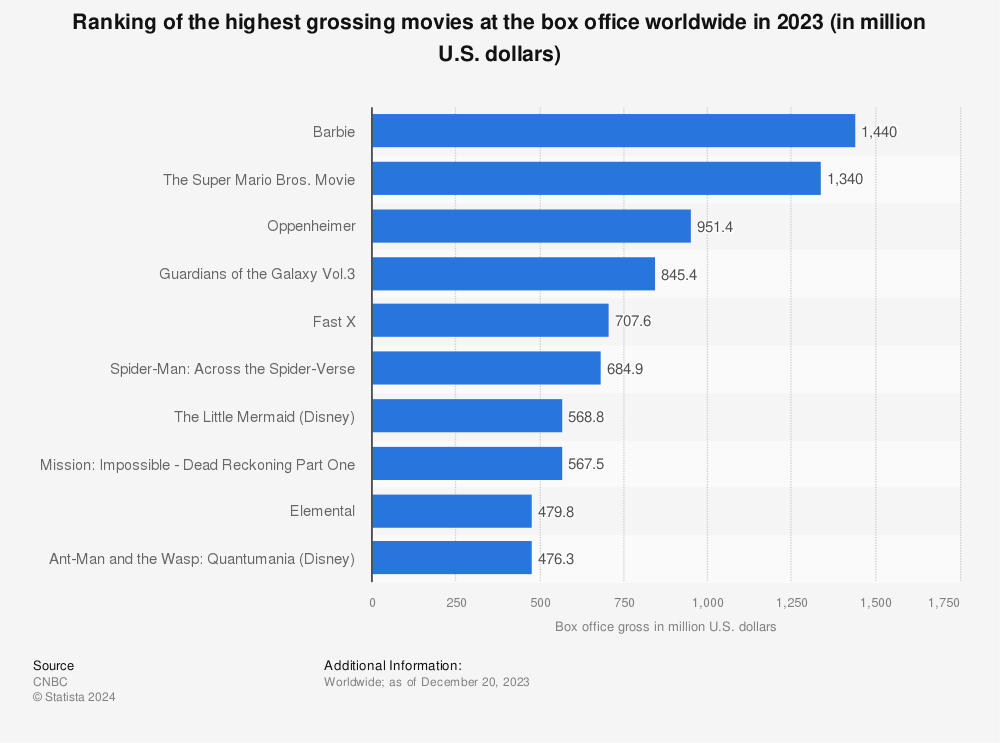
This database is wonderfully diverse. I love movies, so I searched for the highest-grossing movie of 2023. “Barbie” was at the top of the list making $1.4 billion in revenue!
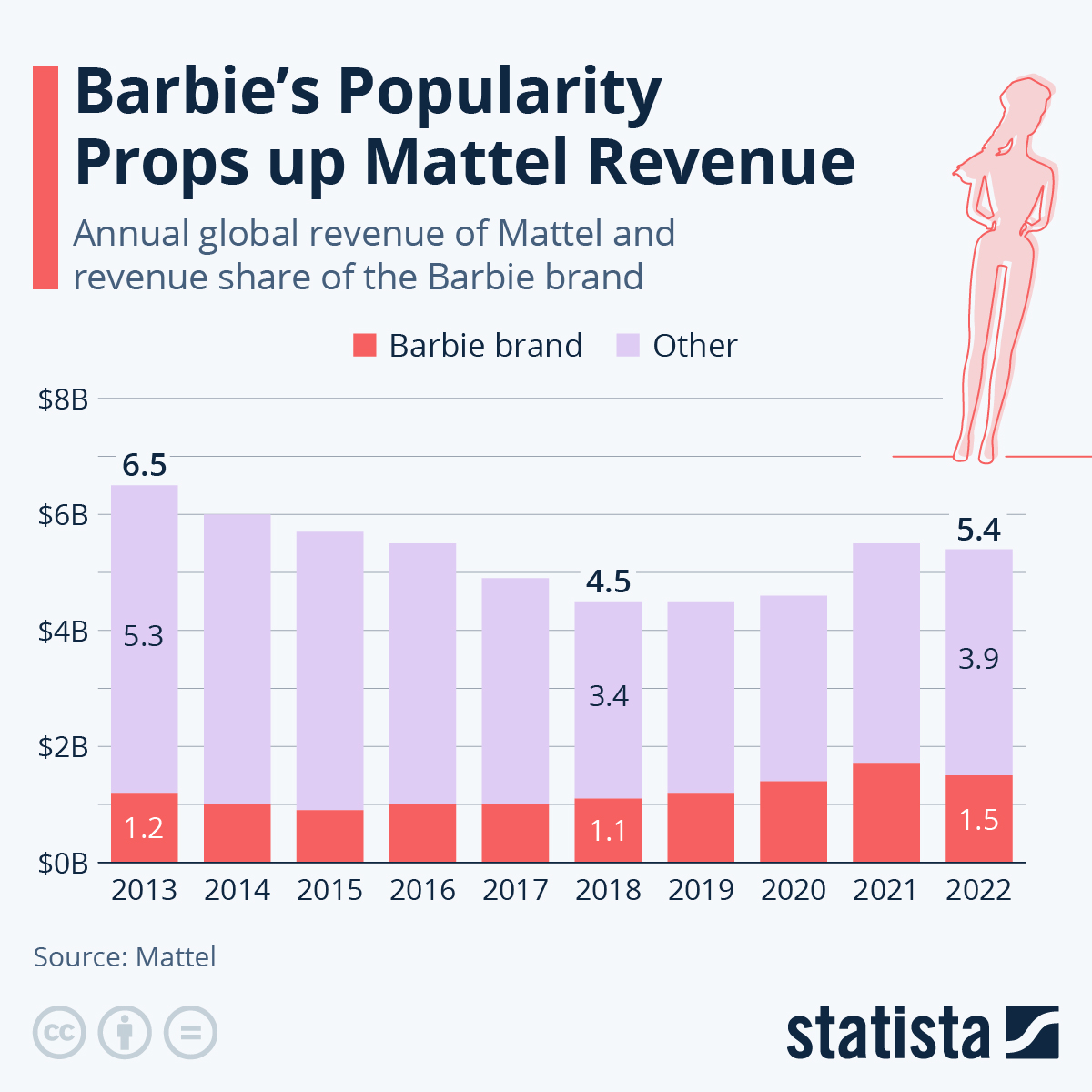
Did you know that the success of the movie drove sales up at Mattel, the company that manufactures Barbie?
Please check out this amazing resource available at the Leeward Library today. If you have any questions, please contact one of our very helpful Leeward librarians at lccref@hawaii.edu or at 808-455-0379! We are happy to help!
The Libby app allows faculty, staff and students to access online magazines, eBooks, and audiobooks from our OverDrive collection on their phones and tablets.

You can browse thousands of popular fiction and non-fiction ebooks, magazines, and audiobooks on OverDrive! To locate OverDrive, go to the Research menu tab on the library’s homepage then click the Full A-Z Databases List option to view a list of databases in alphabetical order.

To browse OverDrive, log in using your UH credentials.
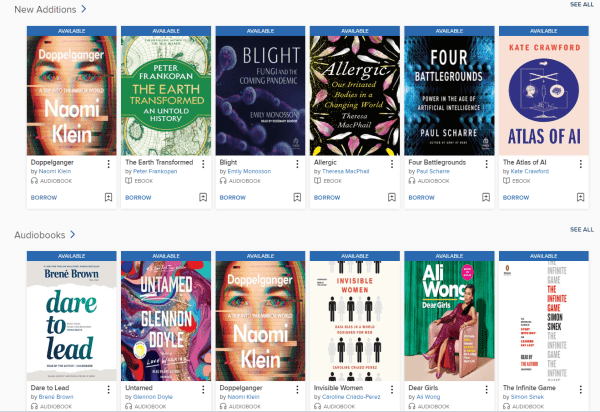
Once you've found something to borrow, go to the app store on your phone or tablet and download the Libby app. After downloading Libby, add Leeward Community College as your library and log in with your UH credentials.
If you have a public library card in Hawaiʻi, you can also add Hawaii State Public Library System to access their OverDrive collection!
Please contact us at lcccirc@hawaii.edu if you have any questions. Happy reading!
Library staff can help you find a book or magazine, show you how to use research databases and other resources, or answer questions about services through several communication channels.
The LibChat online chat service allows you to connect with a librarian or staff person with the click of a button. There's no login for LibChat. Go to the library's homepage at library.leeward.hawaii.edu. A chat slide-out window will automatically appear on the bottom right of your screen. You can also click the slide-out button for a chat session on other library web pages at any time for immediate service during the library's hours of operation. Our LibChat service is available Monday-Friday, 9:00 am - 4:00 pm.
Another way you can reach a librarian is to Book a Librarian. Students, faculty, and staff can schedule a 25-minute appointment with a librarian. This is a convenient way to schedule a short meeting in your busy schedule to discuss library instruction for a class, get a one-on-one session to learn more about our resources, get help with research, or chat about resources you’re interested in.
See our Contact Us page under the About menu on the library homepage for phone numbers and email addresses. Finally, another option is to come to the library to see a librarian or staff member Monday- Friday, 8:00 am - 5:00 pm. We’re always ready to help!

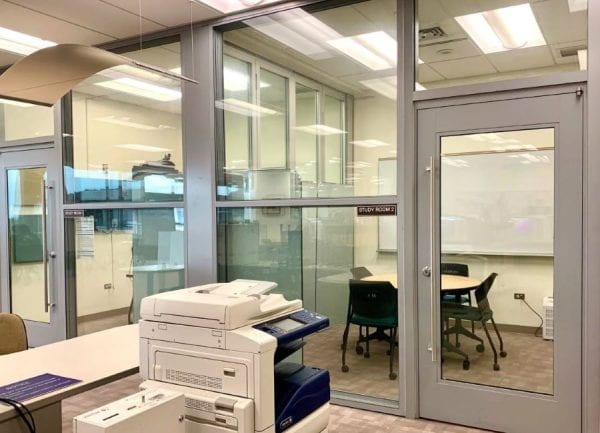
The library has two group study rooms available to current Leeward students to reserve on an hourly basis. Each room contains a table, four chairs, a whiteboard, and a large flatscreen display with Apple TV.
General guidelines for group study room use:
Bookings can be made at the circulation desk or online. Please call the circulation desk at 808-455-0210 or online for more information.
Note: Due to high demand and the limited number of rooms available, faculty and staff bookings are not taken.
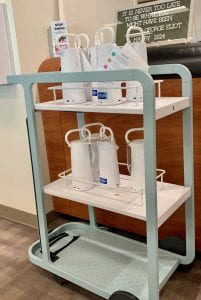
"Power Up" in the library with our Flex Mobile Power Units!
What is a Flex Mobile Power Unit?
Devices must be used in the Learning Commons and Library. Return to charging cart after use. Remember to bring your own USB charging cable to use these mobile power devices.
Find the Flex Mobile Power Units on the 2nd and 3rd floors of the Learning Commons and Library. See me or other library staff at the circulation desk to learn more.
Mahalo!
Eileen Sakamoto
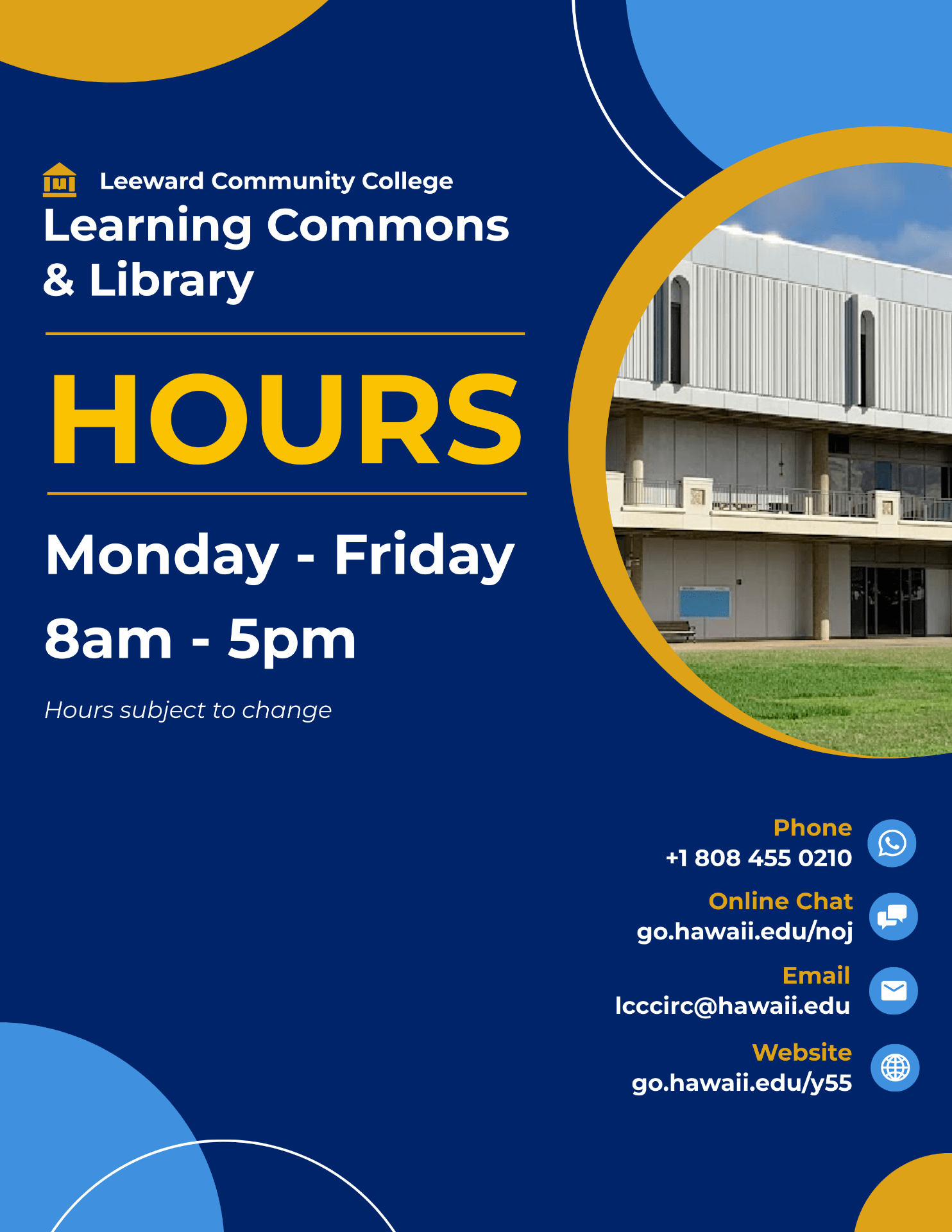
Aloha Leeward faculty & staff! Our Spring 2024 hours are Monday - Friday, 8am - 5pm.
Image by OpenClipart-Vectors via Pixabay
Semester loan laptops are now available for Leeward CC students! Since we have a limited supply, these laptops are first come, first serve.
4-hour loan laptops are also available for on-campus use. Students can check out these laptops at our self-service kiosk. To check out a laptop, students will need a smart device to scan the QR code displayed on the kiosk.
We have other mobile devices available such as iPads, headphones, and computer mice. Browse our equipment inventory at go.hawaii.edu/PJP
Please contact us if you have questions or need assistance. We’re ready to support you!
Finals Countdown begins next week!
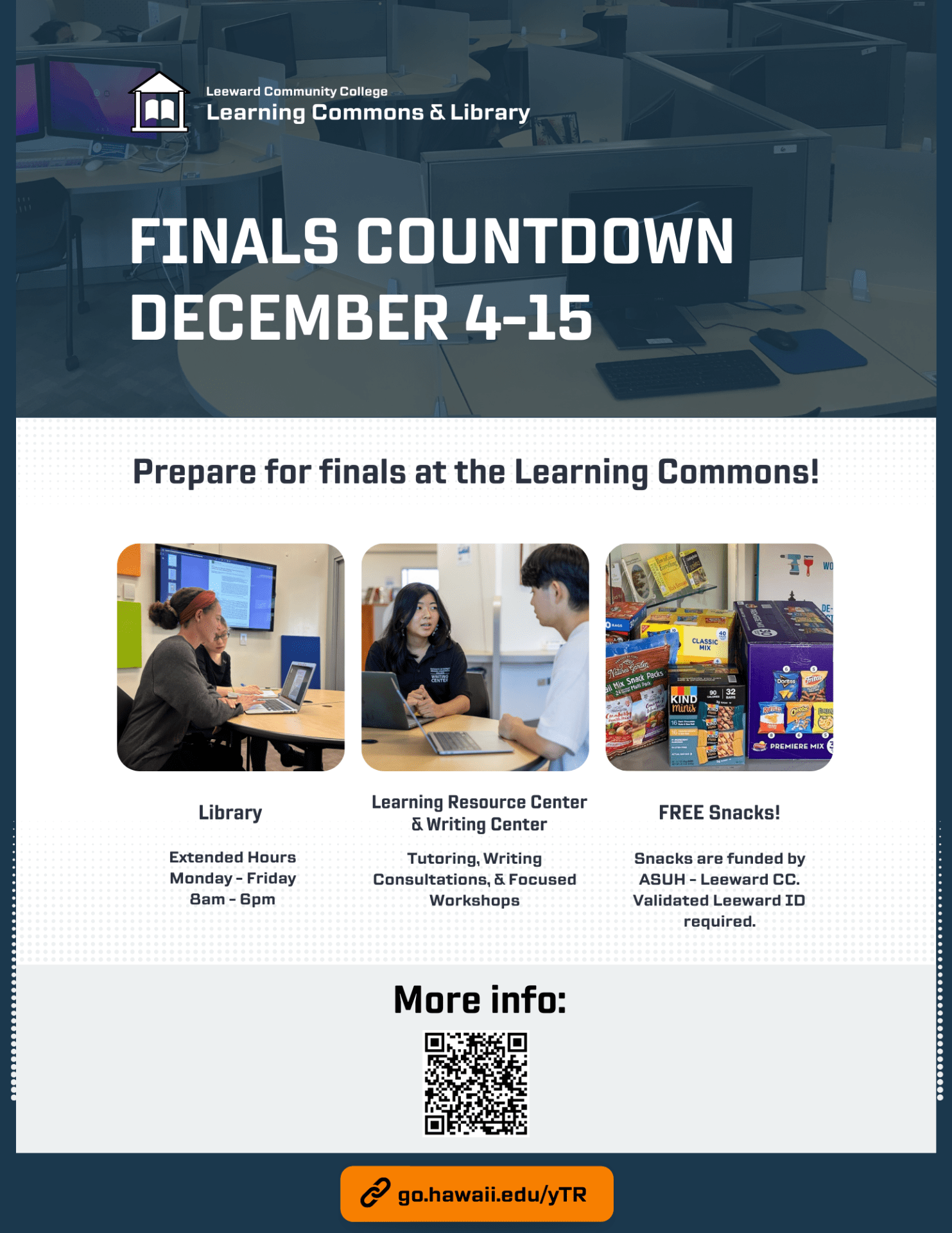
Finals Countdown: December 4-15
For more information about services and events, visit our Finals Countdown page at go.hawaii.edu/yTR
*Funded by ASUH-Leeward CC. Validated Leeward CC ID required.